Medical forms
The diver fills in their medical questionnaire on their phone, before they arrive. No paper and no queues at the front desk.
Before you start
Section titled “Before you start”- Permissions: to generate the public link you need permission on the medical form; to view the forms received, permission on Medical Forms.
- Sensitive data: a medical form is health information. Give access only to those who need it to decide whether someone can dive.
Where you activate it: Settings → Public form
(app.reefdesk.io/settings/public-form).
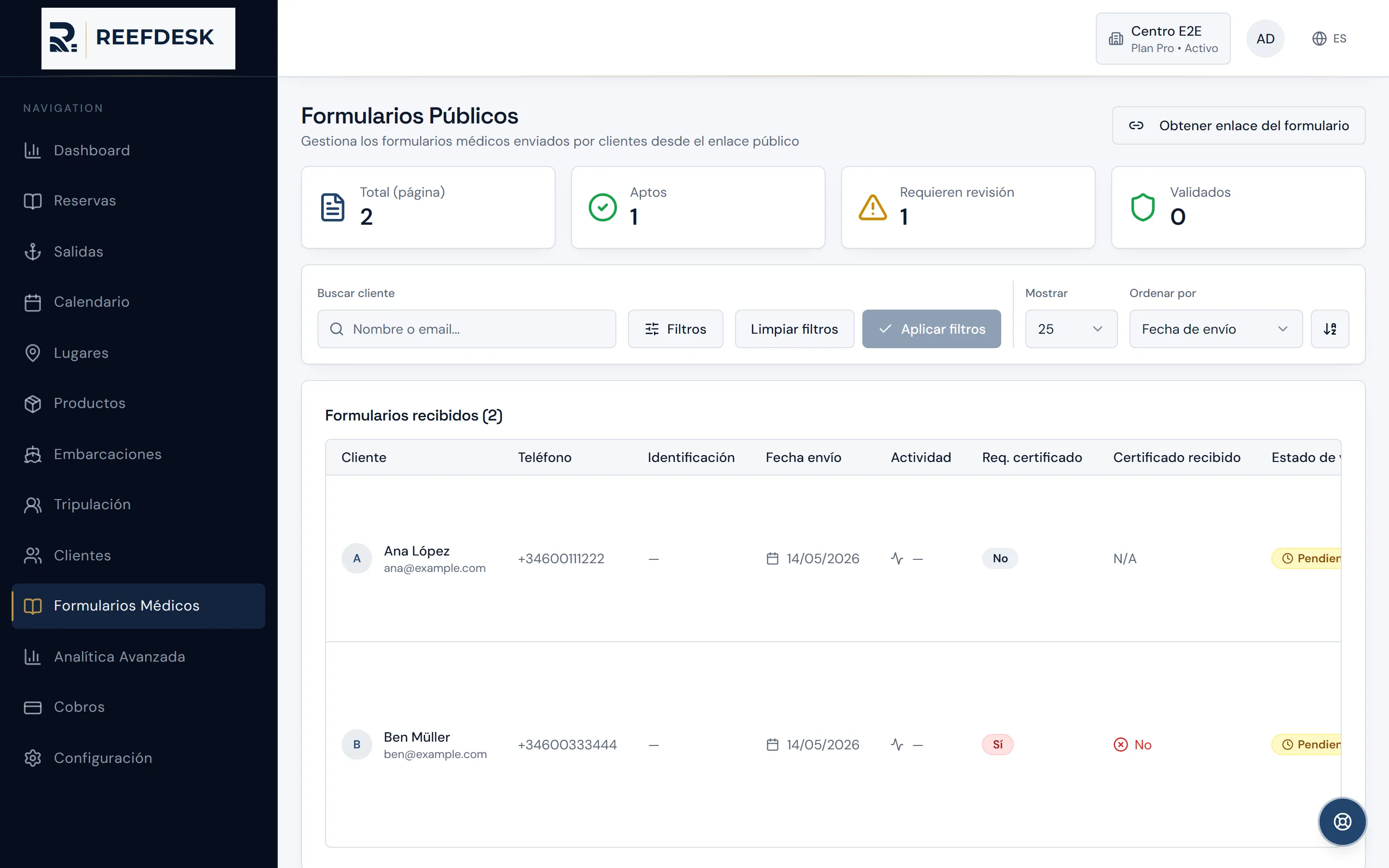
Where they arrive: Medical Forms
(app.reefdesk.io/medical-forms).
Activate the link
Section titled “Activate the link”In Settings → Public form, generate your unique link. This is the one you share with customers: by WhatsApp, by email, or printed as a QR code on the counter.
Try it before you give it to a customer
Section titled “Try it before you give it to a customer”Next to the link there is a test icon (🧪) that opens the form in test mode. Inside, you can use “Fill with sample data” and go through the steps without typing everything.
When you submit it, the form appears in the Medical Forms list and you see what the record looks like. It is the fastest way to understand what your team will see.
Automatic sending
Section titled “Automatic sending”ReefDesk can ask the customer for the form by email as soon as they book, without anyone doing it by hand. It is controlled product by product: each product states whether it requires a medical form.
Where it matters
Section titled “Where it matters”At the day’s check-in. Before letting someone dive, the team checks whether they are missing the form, the certificate or the medical review.
Next: The day’s check-in